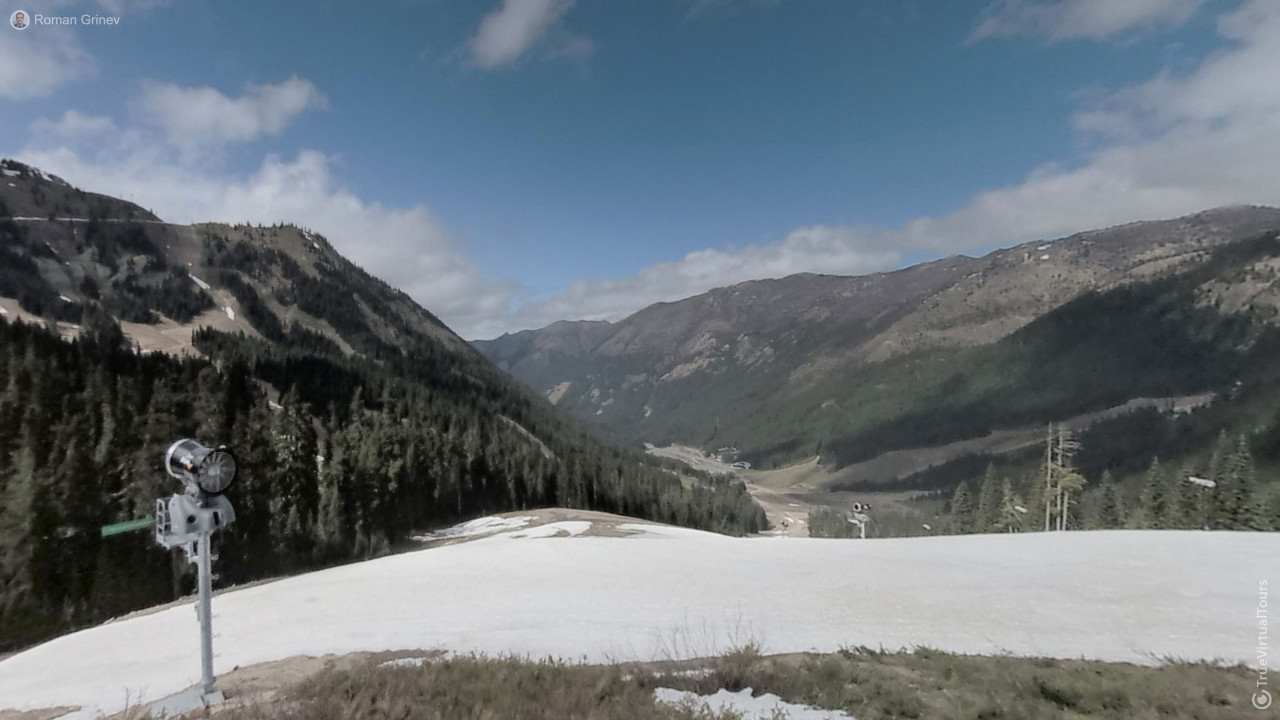
How to create a virtual 3D tour? Step-by-step instruction

The order is as follows: 1) upload to the site spherical panoramas from which you plan to create a virtual tour; 2) from the list of uploaded panoramas add each panorama to the virtual tour (Add to 3D tour link); 3) open the created virtual tour, edit the panorama order, select the main panorama, set transition points (tunnels).

Learn more

Drons

Drons for 360° panorama

DJI Mavic 2 Pro
x225 DJI Mavic 2 Pro

The Mavic 2 Pro offers high-quality Hasselblad images on the Pro and a high-performance zoom lens on the Zoom. This quadcopter is easy to operate for an amateur. It has medium dimensions. Built-in camera. Foldable design. Maximum flight time is 31...

Showing 1-1 of 1 item.